

4 Methods for Real‑Time Location Tracking (Safe & Legal Guide)
Real‑time location tracking has become an essential part of modern digital life. Whether you’re trying to keep your child safe, locate your own lost device, or stay connected with family members during travel, today’s technology makes it easier than ever to see where a device is at any moment.
What used to require expensive hardware and specialized systems is now accessible through smartphones, apps, and built‑in location services. From GPS‑based tracking to Google Maps sharing, there are multiple ways to track a device’s live location — as long as it is your own device or one you have permission to monitor.
Important Legal & Ethical Reminder
This guide is strictly for:
- Tracking your own device
- Tracking your child’s device with parental consent
- Tracking a family member’s device with their permission
- Using parental‑control apps responsibly
Tracking someone secretly or without consent is illegal in most countries and violates privacy laws.
Part 1: Types of Real‑Time Location Tracking
Real‑time location tracking can be powered by different technologies. Understanding these helps you choose the right method for your needs.
1. GPS‑Based Tracking (Most Accurate)
GPS (Global Positioning System) is the most common and accurate method of real‑time tracking. It uses satellites to determine the exact position of a device.
Who uses GPS tracking?
- Parents monitoring their children
- Pet owners
- Delivery companies
- Travelers
- Individuals locating lost devices
GPS tracking works even without mobile data, as long as the device has a clear view of the sky.
2. Mobile Network Tracking (Cell Tower Triangulation)
This method uses mobile towers to estimate a device’s location. It is less precise than GPS but still useful when:
- GPS is turned off
- The device is indoors
- The device is in a low‑signal area
Mobile carriers use this method for emergency services and network optimization.
3. Google Maps Location Sharing
Google Maps allows users to share their live location with trusted contacts. This method requires:
- A Google account
- Location Services enabled
- Active internet connection
- The user’s consent
It’s ideal for families, friends, and travel coordination.
4. Real‑Time Tracking Through Parental‑Control Apps
Parental‑control apps like SpyZee offer real‑time GPS tracking along with additional safety features such as:
- Location history
- Geofencing
- Alerts
- Device monitoring
These apps are designed for family safety, not surveillance.
Part 2: 4 Safe & Legal Ways to Track Real‑Time Location
Below are the four most effective and ethical methods for tracking the real‑time location of your own or your child’s device.
Method 1: Use a Real‑Time Location Tracker App (Android)
Real‑time location tracker apps are the most complete solution for families who want continuous, accurate tracking. These apps use GPS, Wi‑Fi, and mobile networks to provide precise location updates.
One of the most reliable options is SpyZee Parental Control, which offers real‑time tracking along with digital‑safety tools.
SpyZee Parental Control (Android & iOS)
SpyZee is a family‑safety app designed to help parents monitor their children’s location and device activity responsibly.
Key Features
- Real‑Time GPS Tracking See the device’s live location with high accuracy.
- Geofencing Create safe zones (home, school, etc.) and receive alerts when your child enters or leaves.
- Location History Timeline Review where the device has been throughout the day.
- Remote Monitoring Tools Screen mirroring, notification syncing, and more.
- Cross‑Platform Support Works on Android, iOS, and via web dashboard.
How to Use SpyZee for Real‑Time Tracking
- Install SpyZee from the Google Play Store or App Store.
- Create an account and sign in.
- Install SpyZee Kids on your child’s device.
- Pair both devices using the setup code.
- Open the dashboard to view real‑time location.
SpyZee is ideal for parents who want both location tracking and digital‑safety features in one app.
Method 2: Use Built‑In iPhone Tools (Find My App)
iPhone users can track real‑time location using Apple’s built‑in Find My app. This method is free, secure, and easy to use.
Key Features
- Real‑time location sharing
- Device tracking
- Lost Mode
- Notifications for arrivals and departures
- Share location via phone number or email
How to Track an iPhone in Real Time
- Open Find My on your iPhone.
- Tap People or Devices.
- Select the person or device you want to track.
- View the live location on the map.
This method requires the other person to share their location with you.
Method 3: Use a Mobile Number Tracker (With Consent)
Some apps use mobile network data to estimate a device’s location based on cell towers. These tools are less accurate than GPS but can still provide general location information.
Important Note
You cannot track someone’s real‑time location using only their phone number unless:
- They have installed an app
- They have shared their location
- You have explicit permission
Any service claiming otherwise is misleading or unsafe.
Method 4: Share Real‑Time Location Through Google Maps
Google Maps allows users to share their live location with trusted contacts.
How to Share Real‑Time Location
- Open Google Maps.
- Tap your profile → Location Sharing.
- Choose a contact.
- Select how long you want to share your location.
- Send the link via SMS, WhatsApp, or email.
This method is ideal for:
- Family coordination
- Travel safety
- Meeting friends
- Checking on elderly relatives
Part 3: How Real‑Time Location Tracking Works
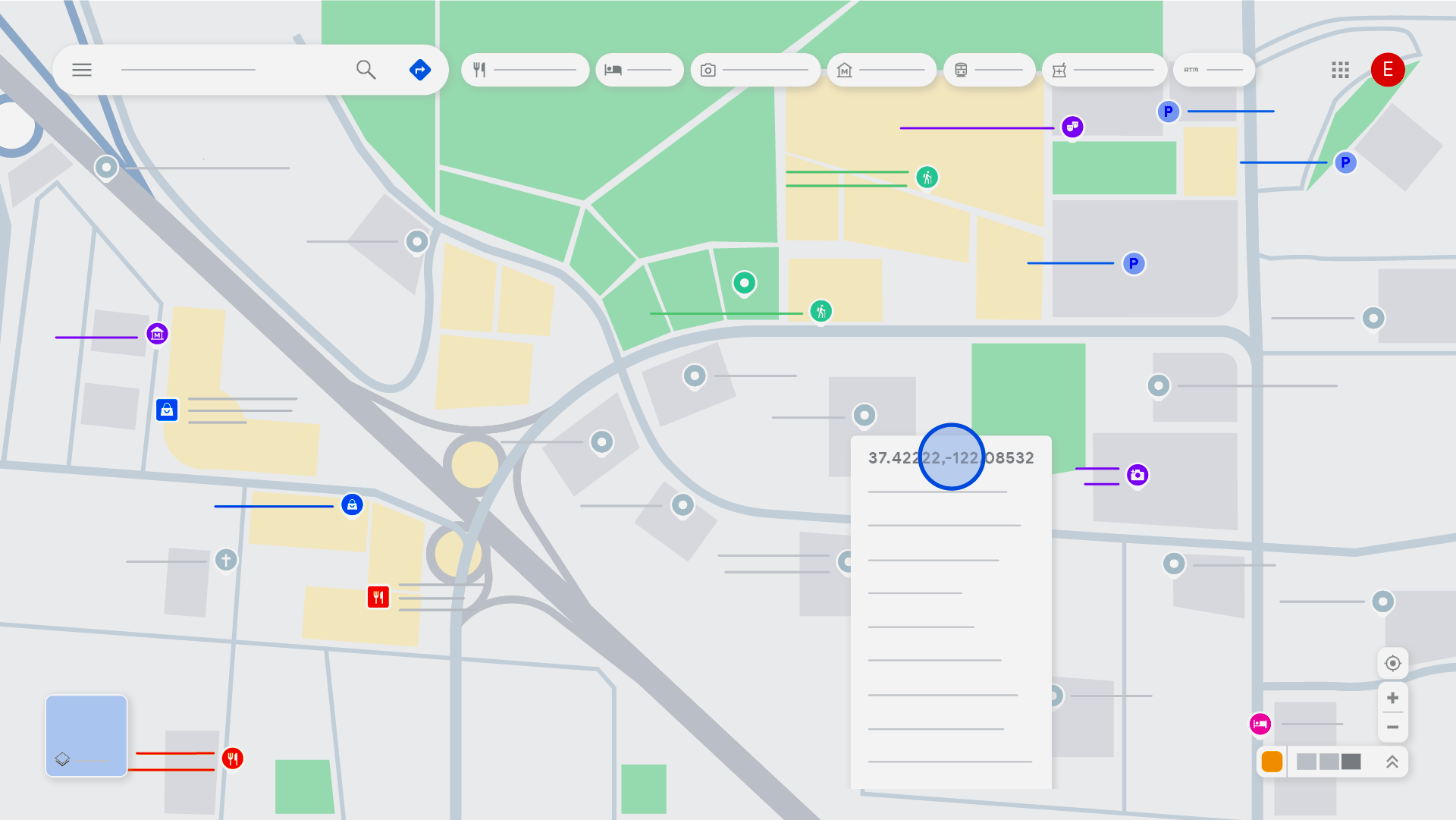
Real‑time location tracking may seem like magic, but behind the scenes, it relies on a combination of technologies working together. Understanding how these systems operate helps you choose the right method for your needs and ensures you use them safely and responsibly.
There are two primary tracking systems:
- Passive tracking systems
- Active tracking systems
Each works differently and serves different purposes.
1. Passive Tracking Systems
Passive systems collect location data but do not transmit it continuously. Instead, the device stores the information internally, and the data can be reviewed later.
How Passive Tracking Works
- A device with a GPS chip records its location at intervals.
- The data is stored locally on the device.
- The user can access the history when needed.
Common Uses
- Cars with built‑in GPS
- Fitness trackers
- Pet microchips
- Devices that store location history without sharing it live
Passive tracking is ideal when you want a record of where a device has been but don’t need real‑time updates.
2. Active Tracking Systems
Active systems transmit location data continuously to a server or paired device. This allows you to see the device’s location instantly.
How Active Tracking Works
- The device uses GPS, Wi‑Fi, or mobile networks to determine its position.
- The location is sent to a server or app in real time.
- The user can view the live location on a map.
Common Uses
- Parental‑control apps (e.g., SpyZee)
- Delivery tracking
- Employee monitoring
- Travel safety
- Lost‑device recovery
Active tracking is ideal when you need immediate, continuous updates.
Technologies Used in Real‑Time Tracking
GPS Satellites
Provide the most accurate location data.
Cell Towers
Estimate location when GPS is unavailable.
Wi‑Fi Networks
Help refine indoor location accuracy.
Bluetooth Beacons
Used in small areas like malls or airports.
Cloud Servers
Store and transmit location data to apps.
Together, these technologies create a reliable, real‑time tracking system that works across different environments.
Part 4: Why People Use Real‑Time Location Tracking
Real‑time location tracking has become a practical tool for everyday life. Here are the most common reasons people use it — always with consent and safety in mind.
1. Keeping Children Safe
Parents often use real‑time tracking to:
- Confirm their child arrived safely at school
- Monitor after‑school activities
- Ensure they are not visiting unsafe areas
- Receive alerts when they leave designated zones
Apps like SpyZee provide geofencing, location history, and real‑time updates, making it easier for parents to stay informed without constant check‑ins.
2. Monitoring Elderly Family Members
Real‑time tracking helps families care for aging parents or relatives who:
- Have memory challenges
- Wander unintentionally
- Need assistance during emergencies
Location alerts can provide peace of mind and faster response times.
3. Coordinating With Family and Friends
People use real‑time tracking to:
- Share travel progress
- Meet up in crowded places
- Stay connected during trips
- Check on loved ones during emergencies
Google Maps sharing is especially useful for this.
4. Tracking Employees (With Consent)
Businesses use real‑time tracking to:
- Monitor delivery routes
- Improve logistics
- Ensure employee safety
- Verify service locations
This is common in transportation, field services, and logistics.
5. Locating Lost or Stolen Devices
Real‑time tracking helps you:
- Find a misplaced phone
- Recover a stolen device
- Lock or erase data remotely
Both Find My iPhone and Google Find My Device support this.
6. Monitoring Pets and Personal Items
GPS trackers are used for:
- Pets that roam outdoors
- Luggage during travel
- Bikes, scooters, and vehicles
These devices often use passive or active tracking systems.
Conclusion
Real‑time location tracking has become an essential tool for modern families, businesses, and individuals. Whether you’re trying to keep your child safe, locate your own device, or coordinate with loved ones, today’s technology offers multiple safe and legal ways to track a device’s live location.
In this guide, we explored:
- GPS‑based tracking
- Mobile network tracking
- Google Maps real‑time sharing
- Parental‑control apps like SpyZee
We also covered how real‑time tracking works and why people use it.
When used responsibly, real‑time tracking enhances safety, improves communication, and helps families stay connected. Always remember to use these tools ethically, legally, and with consent.
FAQs About Real‑Time Location Tracking
1. How can I track the current location of a phone number?
You cannot track a phone number alone. You need access to the device through Google Maps, Find My iPhone, or a parental‑control app installed with consent.
2. How can I trace a mobile’s live location?
You can use apps like SpyZee or Google Maps location sharing to view real‑time location updates.
3. Can Google Maps track in real time?
Yes. Google Maps allows users to share their live location with trusted contacts.
4. Which app is best for live location tracking?
Apps like SpyZee offer real‑time GPS tracking, geofencing, and location history for family safety.
5. How can Android track real‑time location?
Android devices support apps like SpyZee, Google Maps, and Find My Device for real‑time tracking.
6. Can you share real‑time location on iPhone?
Yes. You can use Apple’s Find My app or Google Maps to share your live location.



Add comment