
Introduction
Knowing who your child or dependent is speaking with by phone can reduce worry and help you respond quickly when something seems off. A phone call tracker collects call history details—numbers, timestamps, durations, and call direction—so you can review patterns and spot unusual activity. This guide explains what a call tracker does, how SpyZee’s call monitoring features present call data, how to set it up, and how to interpret the information you see. The goal is practical: help you use call logs to make informed, calm decisions about safety and communication.
What a Phone Call Tracker Records
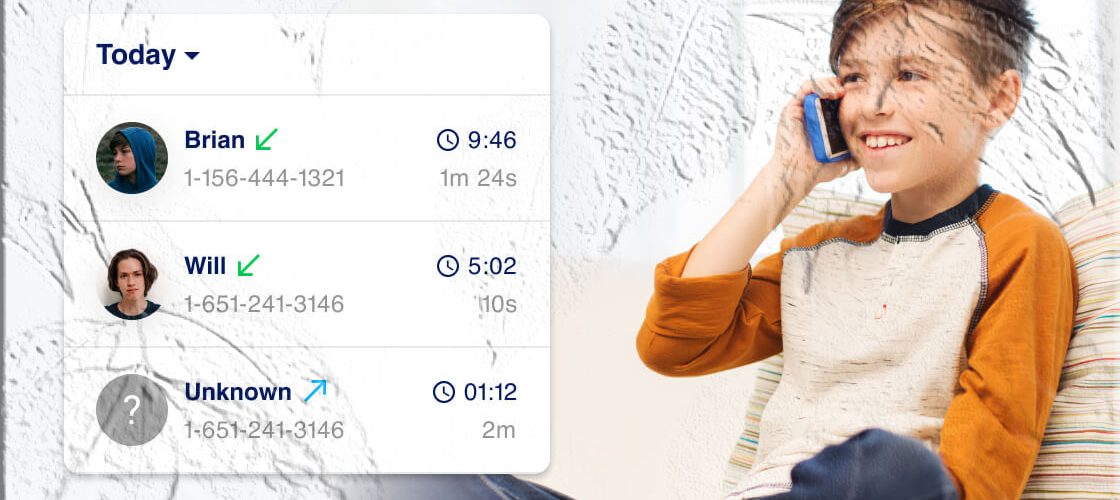
A call tracker compiles a structured record of voice activity on a device. Typical items captured include:
- Call direction — incoming, outgoing, or missed.
- Phone number — the number that placed or received the call.
- Contact name — when the number is saved in the device address book.
- Timestamp — date and time when the call occurred.
- Duration — how long the call lasted.
- Call frequency — how often a number appears in the log.
These elements together create a timeline of voice interactions that can reveal who someone communicates with most often, when calls happen, and whether calls are brief or prolonged.
Why Parents Use Call Tracking
Parents and guardians use call tracking for several practical reasons:
- Spot repeated contact — repeated calls from the same number can indicate a persistent contact that may need attention.
- Identify unknown callers — seeing an unfamiliar number repeatedly helps you decide whether to investigate further.
- Understand timing and context — late-night or frequent daytime calls may signal stress, bullying, or risky behavior.
- Corroborate other signals — call logs can confirm patterns you notice in mood, school performance, or social behavior.
- Support conversations — concrete call records make it easier to have calm, fact-based discussions with a child about boundaries and safety.
How SpyZee Presents Call Data
SpyZee organizes call information into a clear, chronological view. Key presentation features include:
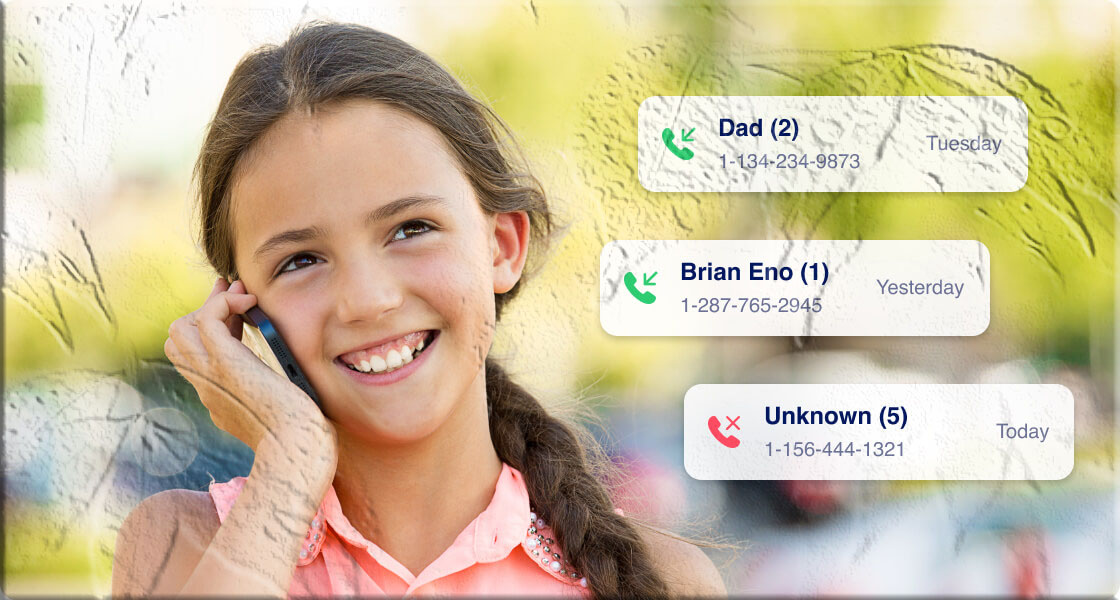
- Chronological call list — incoming and outgoing calls displayed with date and time.
- Call details — each entry shows number, contact name (if available), call duration, and call type.
- Top contacts summary — a quick list of the most frequently contacted numbers.
- Search and filter — ability to search by number or filter by date range to focus on specific periods.
This layout helps you scan for anomalies quickly and drill down into specific calls when needed.
Step by Step Setup with SpyZee
Below is a straightforward setup flow that reflects how call monitoring is typically enabled. Exact wording and screens may vary by device and app version.
- Create an account
- Visit the official SpyZee site or search for SpyZee on Google Play or the Apple App Store and follow the account creation prompts.
- Use a secure email and a strong password.
- Install on the parent device
- Install the SpyZee app on the device you will use to monitor (the parent or guardian device).
- Sign in with the account you created.
- Prepare the target device
- Ensure the target device (the child’s phone) is accessible for setup.
- Follow the app’s instructions to grant the necessary permissions for call log access. On Android this typically involves allowing access to call logs and contacts; on iOS the process depends on available features and permissions.
- Bind devices
- Use the app’s pairing or binding process to link the target device to your monitoring account. This may involve entering a code or scanning a QR code.
- Verify data flow
- After setup, open your SpyZee control panel and confirm that recent calls appear. Allow a short period for the first sync to complete.
- Adjust settings
- Configure notification preferences, date ranges, and any filters you want to use for reviewing call history.
- Regular review
- Check the call log periodically and after any event that raises concern.
Interpreting Call Logs
A call log is raw data; interpretation requires context. Use these approaches to make sense of what you see:
- Look for patterns — repeated calls from the same number, especially at unusual hours, are worth noting.
- Compare duration and frequency — short, frequent calls can mean quick check-ins or persistent contact; long calls may indicate deeper conversations.
- Cross-check with other activity — if a call is followed by messages or social media activity, that sequence can clarify intent.
- Consider contact identity — saved contacts with names are easier to evaluate; unknown numbers may require cautious investigation.
- Avoid jumping to conclusions — a single call rarely tells the whole story; patterns over time are more informative.
Use Cases and Scenarios
For Parents of Young Children
Young children may accept calls from unknown numbers or share personal details. Call logs help parents confirm who is contacting their child and whether those contacts are appropriate.
For Parents of Teens
Teenagers often communicate late at night and may hide contacts. Call history can reveal repeated contact with a single number or calls that coincide with behavioral changes.
For Caregivers of Vulnerable Adults
Elderly family members or adults with cognitive challenges can be targeted by scams. Call logs help caregivers spot suspicious numbers and recurring calls that may indicate fraud attempts.
For Household Safety and Coordination
Call logs can also be practical: confirming that a family member called to say they were delayed, or checking whether a scheduled call took place.
Legal and Ethical Considerations
Monitoring another person’s phone activity raises legal and ethical questions. Keep these points in mind:
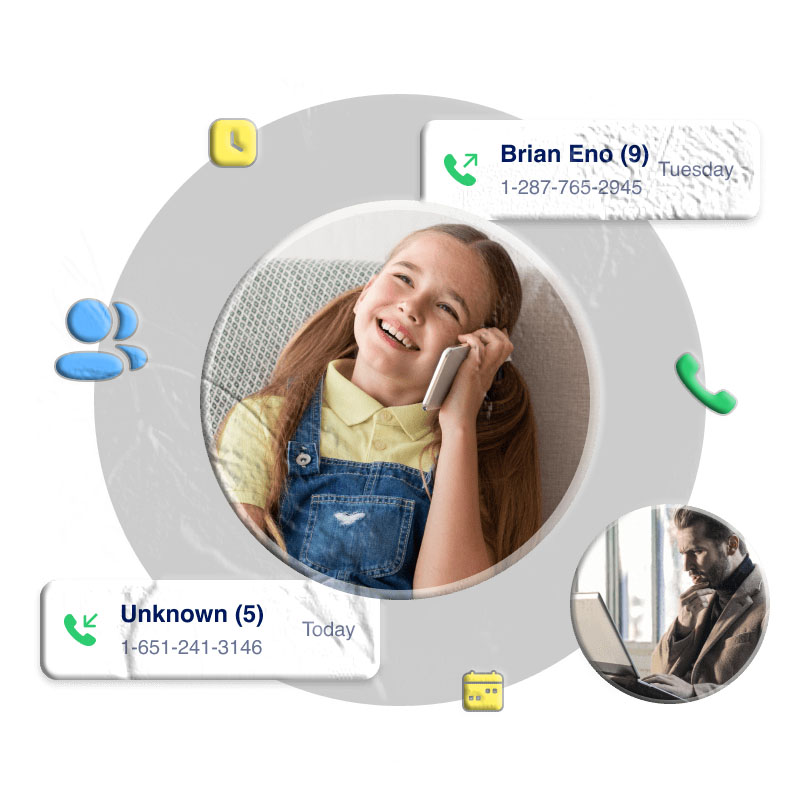
- Consent and local law — laws about monitoring vary by country and region. In many places, monitoring a minor’s device by a parent or guardian is permitted, but monitoring an adult without consent can be illegal. Check local regulations before enabling monitoring.
- Transparency with older children — for older teens, consider discussing monitoring policies openly to build trust and explain safety goals.
- Proportionality — use monitoring to protect and support, not to control or punish. Focus on safety outcomes rather than surveillance for its own sake.
- Data security — ensure the monitoring account uses strong authentication and that access is limited to trusted caregivers.
- Respect privacy — balance safety with respect for personal boundaries; use call logs as one part of a broader conversation about responsible phone use.
What Call Logs Don’t Show
A call tracker provides structured call metadata but does not automatically reveal everything:
- Call content — call logs show who called and for how long, not the spoken content of the call.
- Caller identity beyond number — a number does not always reveal the person’s real identity or age.
- Context outside the phone — a call may be harmless in context even if it looks concerning in isolation.
Use call logs as a starting point for conversation and verification, not as definitive proof of intent.
Troubleshooting Common Setup Issues
- No calls appearing after setup — confirm permissions on the target device and that the app is allowed to access call logs and run in the background.
- Delayed syncing — allow time for the first sync; check network connectivity on both devices.
- Missing contact names — if numbers appear without names, ensure the target device’s contacts are accessible and that the app has permission to read contacts.
- Multiple devices — if the person uses more than one phone, you’ll need to monitor each device to get a complete picture.
Best Practices for Parents
- Set clear family rules — agree on phone use boundaries and explain why monitoring is in place.
- Use data to guide conversations — present call log facts calmly and ask open questions rather than accusing.
- Teach safe phone habits — discuss how to handle unknown callers, what information not to share, and how to block numbers.
- Review together — when appropriate, review call logs with your child to help them understand patterns and risks.
- Keep records secure — protect your monitoring account with a strong password and two-factor authentication if available.
When to Act on Call Log Findings
Not every unfamiliar number requires intervention. Consider acting when you see:
- Repeated calls from the same unknown number.
- Calls at unusual hours that coincide with mood or behavior changes.
- Short, persistent calls that suggest pressure or harassment.
- Evidence of contact with known risky services or suspicious numbers.
When you act, prioritize safety: talk with your child, gather context, and if necessary, block numbers or contact authorities for harassment or threats.
SpyZee and App Store Availability
SpyZee is referenced here as the call monitoring solution used in examples. To find the app, search for SpyZee on Google Play or the Apple App Store. Follow the official installation and setup instructions provided by the app publisher to ensure you use the latest, supported process.
Alternatives and Complementary Tools
Call logs are one piece of a broader safety approach. Complementary measures include:
- Parental controls built into the device — many phones offer built-in features for screen time, contact restrictions, and content filters.
- Open communication — regular conversations about online safety and boundaries.
- Education about scams — teach family members how to recognize and report suspicious calls.
When choosing tools, prefer solutions that respect legal requirements and prioritize data security.
Practical Examples
Example 1 — Repeated Unknown Calls
A parent notices a number appearing five times over two days, always late at night. Action: calmly ask the child about the calls, check whether the number is saved in contacts, and if the child is uncomfortable, block the number and report harassment if necessary.
Example 2 — Long Calls with a New Contact
A teen has several long calls with a number not in contacts. Action: discuss the new contact, ask how they met, and encourage meeting in public spaces or involving a trusted adult if the relationship is in-person.
Example 3 — Elderly Relative Receiving Scam Calls
An elderly family member receives repeated calls from an unknown number asking for personal information. Action: advise the relative not to share details, block the number, and report the calls to the relevant consumer protection agency.
Frequently Asked Questions
How does a call tracker differ from call recording?
A call tracker logs metadata (numbers, timestamps, durations) but does not record the audio of calls. Call recording is a separate capability and is subject to stricter legal rules in many jurisdictions.
Can I monitor calls without installing anything on the target device?
No. To access call logs reliably you need the appropriate permissions on the target device. Installing and configuring the monitoring solution on that device is required.
Will a call tracker show deleted calls?
If the monitoring solution syncs call logs before a deletion occurs on the device, those entries may still appear in the control panel. If the call log is deleted before syncing, the monitoring service may not capture it.
Is monitoring legal for my situation?
Laws vary. Parents monitoring their minor children’s devices are generally within their rights, but monitoring adults without consent can be illegal. Check local laws and, when in doubt, seek legal guidance.
Can a call tracker identify the person behind an unknown number?
A call tracker shows the number and any saved contact name. It does not verify the real-world identity or age of the person behind the number. Use caution and corroborate with other information.
How often should I check call logs?
There’s no fixed rule. Regular checks—weekly or after any concerning sign—are common. Balance monitoring with respect for privacy and use findings to guide supportive conversations.
What if my child finds out about monitoring?
Use that moment as an opportunity to explain your safety concerns, set clear expectations, and agree on boundaries. Open dialogue often reduces secrecy and builds trust.
Conversation Starters for Parents
- “I noticed a number showing up a lot in your call history. Can you tell me about them?”
- “How do you decide who to share your number with?”
- “If someone calls and asks for personal information, what would you do?”
These prompts keep the focus on safety and learning rather than punishment.
Final Checklist Before You Start Monitoring
- Confirm legal permissions for monitoring in your jurisdiction.
- Secure your monitoring account with a strong password and two-factor authentication.
- Ensure device permissions are granted correctly on the target phone.
- Set a review schedule and decide who will have access to the monitoring account.
- Plan how to discuss findings with the person being monitored in a calm, constructive way.
Closing Notes
A phone call tracker is a practical tool for parents and caregivers who want clearer visibility into voice communications. When used thoughtfully—paired with open communication, education, and respect for privacy—call logs can help you spot concerning patterns early and support the people you care for. SpyZee is one example of a call monitoring solution referenced in this guide; search for SpyZee on Google Play or the Apple App Store to review the publisher’s setup instructions and feature list.