
Parental control apps have become essential tools for families navigating the digital world. They help parents manage screen time, filter inappropriate content, track locations, and guide children toward healthier online habits. But one question often sparks curiosity — and sometimes concern:
Can parental control apps actually see your screen?
The short answer: Some can, but not all. And even when screen‑viewing features exist, they work in specific, transparent ways — not secretly or invisibly.
This guide breaks down how screen monitoring works, which apps support it, and how families can approach digital supervision in a healthy, respectful way.
Can Parental Control Apps See Your Screen?
Yes — some parental control apps include screen‑monitoring features. But these features vary widely, and not all apps support them.
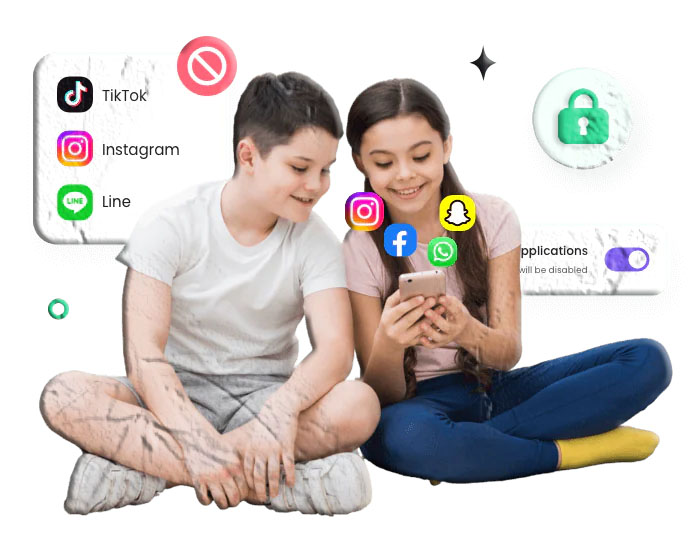
Most parental control apps focus on:
- Screen time limits
- App blocking
- Web filtering
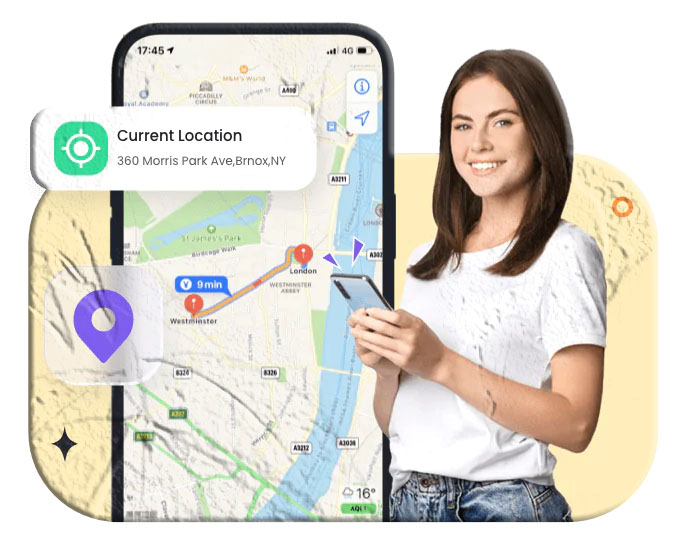
- Location tracking
- Activity reports
Only a handful offer screen‑viewing or screen‑capture features, and even then, they operate with clear permissions and visible notifications.
Apps That Support Screen Monitoring (Compliant Options)
These apps do not use stealth monitoring. They require consent, visible permissions, and follow store policies.
1. Kidslox (Android & iOS)
Kidslox includes a feature called Telescope, which captures periodic screenshots of a child’s device. These screenshots help parents understand what their child is viewing without accessing the device directly.
Key Features
- Scheduled or manual screenshots
- Alerts for inappropriate content
- Screen time limits
- App blocking
- Web filtering
Download Links
- Google Play Store:
https://play.google.com/store/apps/details?id=com.kidslox.app - Apple App Store:
https://apps.apple.com/app/kidslox-parental-control-app/id914825567
2. FamiSafe (Android & iOS)
FamiSafe offers screen capture alerts, which take screenshots at intervals and notify parents if inappropriate images appear.
Key Features
- Screenshot alerts
- Content detection
- Screen time management
- App blocking
- Web filtering
Download Links
- Google Play Store:
https://play.google.com/store/apps/details?id=com.wondershare.famisafe - Apple App Store:
https://apps.apple.com/app/famisafe-parental-control-app/id1426355645
3. OurPact (iOS & Android)
OurPact includes View, a feature that captures periodic screenshots of a child’s device. Parents can request on‑demand captures or rely on scheduled ones.
Key Features
- Automated or manual screenshots
- App blocking
- Screen time schedules
- Web filtering
Download Links
- Google Play Store:
https://play.google.com/store/apps/details?id=com.parentsware.ourpact - Apple App Store:
https://apps.apple.com/app/ourpact-parental-control-app/id954029412
Do All Parental Control Apps See Your Screen?
No. In fact, most parental control apps do not include screen‑viewing features.
Apps like:
- Google Family Link
- Qustodio
- Life360
- Norton Family
- Net Nanny
focus on:
- Screen time
- App usage
- Web filtering
- Location tracking
These apps cannot see your screen or capture screenshots.
Should Parents Use Screen Monitoring?
Screen monitoring is a sensitive topic. Whether it should be used depends on:
- The child’s age
- The family’s communication style
- The level of digital risk
- The purpose of monitoring
Here’s a balanced look at both sides.
For Parents
Ages 1–10
Younger children benefit from closer supervision. Screen monitoring can help protect them from inappropriate content and guide healthy habits.
Ages 11–15
This age group values independence. Monitoring should be paired with open conversations about safety, boundaries, and trust.
Ages 16–18
Teens are developing autonomy and digital responsibility. Many families choose to reduce or stop monitoring at this stage, focusing instead on communication and guidance.
For Kids and Teens
If you struggle with screen time
Parental controls can help you build healthier habits and reduce distractions.
If you feel monitoring is too strict
Talk openly with your parents. Many misunderstandings come from lack of communication, not lack of trust.
Frequently Asked Questions
Can Google Family Link see your screen?
No. Family Link does not include screen‑viewing features.
Can Qustodio see your screen?
No. Qustodio cannot view or capture your screen.
Can parental control apps see everything?
No. They can only access features you grant permission for, such as app usage, browsing history, or screen time.
Can parental control apps see Incognito mode?
Some apps can monitor browsing activity even in private mode, depending on permissions.
Can a VPN bypass parental controls?
Most modern parental control apps cannot be bypassed with a VPN, but router‑based controls are easier to circumvent.
Conclusion
Parental control apps play an important role in helping families navigate the digital world safely. While some apps can capture screenshots or show parts of a child’s screen, most focus on screen time, app usage, and content filtering — not full device monitoring.
The key to healthy digital supervision is communication, transparency, and mutual trust. When parents and kids work together, parental controls become tools for guidance, not surveillance.