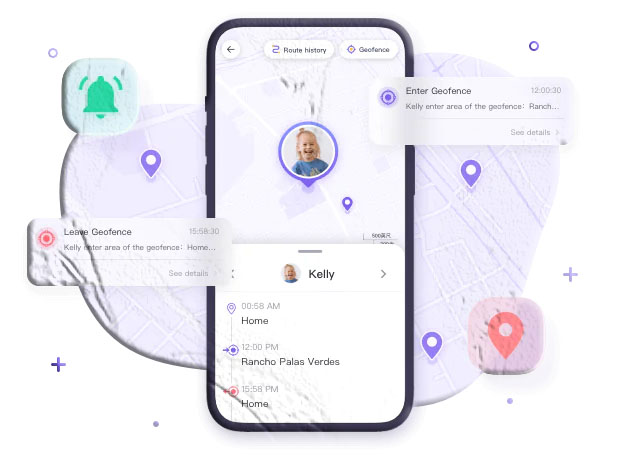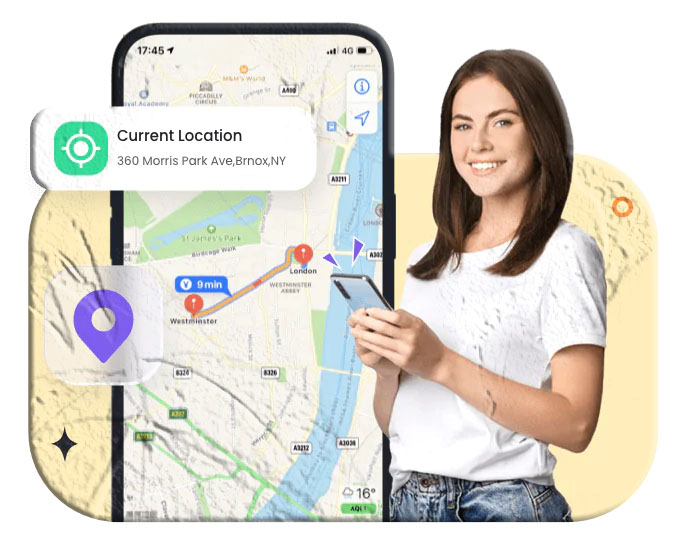

Losing your phone can be stressful, especially when it contains your contacts, photos, messages, and personal accounts. Fortunately, both Android and iPhone devices include built‑in tools that allow you to locate your phone online for free — no paid services required.
Whether your phone is misplaced at home, left behind at work, or lost outdoors, these online tracking methods can help you find it quickly. This guide walks you through four easy, reliable, and free ways to track your phone using official tools from Google and Apple.
All methods below are safe, parent‑friendly, and require no third‑party apps outside the Google Play Store or Apple App Store.
Method 1: Track Your Android Phone with Find My Device
Google’s Find My Device is one of the most effective ways to locate an Android phone online. As long as your device is signed into a Google account and has location services enabled, you can track it from any browser.
How to Use Find My Device Online
- Visit the official Find My Device website: https://www.google.com/android/find
- Sign in using the Google account linked to your phone.
- Select your device from the list.
- The map will display your phone’s last known or current location.
From here, you can also:
- Play a sound
- Lock the device
- Display a message
- Erase data remotely (if necessary)
When This Method Works Best
- Your phone is connected to the internet
- Location services are enabled
- You’re signed into your Google account
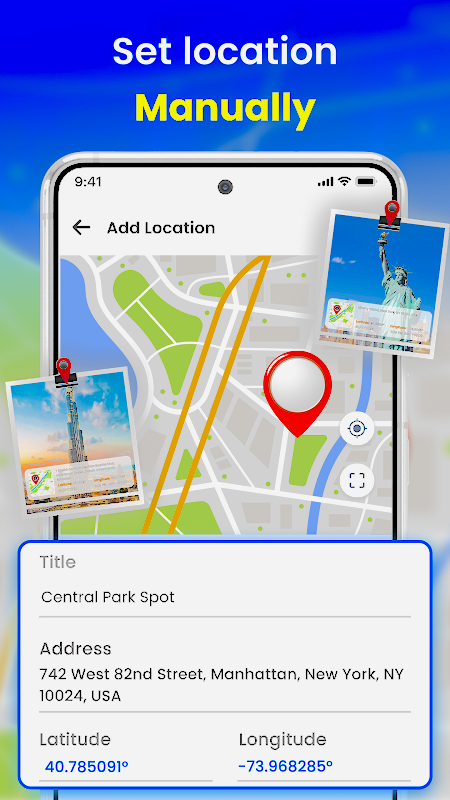
Method 2: Track Your iPhone with Apple’s Find My
Apple’s Find My network is one of the most powerful device‑tracking systems available. It uses Bluetooth signals from nearby Apple devices to help locate your iPhone — even if it’s offline.
How to Track Your iPhone Online
- Visit https://www.icloud.com/find
- Sign in with your Apple ID
- Select your iPhone from the device list
- View its location on the map
You can also:
- Play a sound
- Mark the device as lost
- Display a custom message
- Erase the device remotely
Why This Method Is Reliable
- Works even if the phone is offline
- Uses Apple’s global device network
- Provides precise location updates
Method 3: Use Google Maps Timeline to Track Your Phone’s Location History
If your phone is not currently online, you may still be able to track its past movements using Google Maps Timeline. This feature records your device’s location history when enabled.
How to Check Google Maps Timeline
- Visit https://www.google.com/maps/timeline
- Sign in with the Google account linked to your phone
- Select a date to view your phone’s movement history
This method is especially helpful when:
- Your phone is turned off
- The battery has died
- The device was moved after being lost
Requirements
- Location History must be enabled
- Your phone must have been connected to your Google account
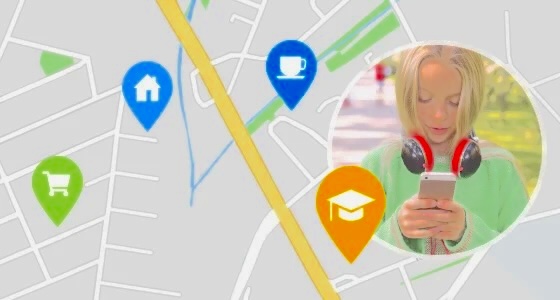
Method 4: Use Built‑In Family Location Tools
If you share your location with family members, you may be able to track your phone using built‑in family‑sharing tools.
These tools are free and available on both Android and iPhone.
Google Family Link (Android)
If your phone is part of a Family Link group, another family member can view its location.
Download Link
- Google Play Store:
https://play.google.com/store/apps/details?id=com.google.android.apps.kids.familylink
Features Useful for Tracking
- Real‑time location sharing
- Device activity reports
- Location notifications
Apple Find My Family (iPhone)
If you use Family Sharing, family members can see your device’s location through the Find My app.
Features
- Real‑time location
- Last known location
- Notifications when a device arrives or leaves a place
This method works even if your phone is offline, as long as it was recently detected by Apple’s network.
What to Do If Your Phone Still Can’t Be Found
If none of the methods above show your phone’s location, consider the following possibilities:
- The device is turned off
- Location services were disabled
- The phone was reset
- The SIM card was removed
- The device has no internet connection
In these cases, check your Google or Apple account for last known location data. This can still help you narrow down where the phone was before it went offline.
How to Protect Your Phone from Future Loss
While this article focuses on tracking your phone online for free, it’s equally important to prevent future issues. Here are some practical steps you can take:
Enable Built‑In Tracking Features
- Turn on Find My Device (Android)
- Turn on Find My iPhone (iOS)
- Enable Location History if you want movement tracking
Use Strong Screen Locks
- PIN
- Password
- Fingerprint
- Face recognition
Back Up Your Data Regularly
- Google Drive
- iCloud
- Local backups
These steps ensure that even if your phone is lost, your data remains protected.
Frequently Asked Questions
Can I track my phone if it’s turned off?
Yes — Apple’s Find My can show the last known location. Google Maps Timeline may also show past locations.
Can I track my phone using only the phone number?
No. Phone numbers alone cannot be used to track a device. You must use official tools linked to your Google or Apple account.
Can I track my phone without installing an app?
Yes. Both Android and iPhone include built‑in tracking tools that work without additional apps.
Can someone else track my phone without permission?
Only if they have access to your Google or Apple account. Always secure your accounts with strong passwords and two‑factor authentication.
Can I track my phone using Google Maps?
Yes — if Location History is enabled, Google Maps Timeline can show your phone’s past movements.
Conclusion
Tracking your phone online for free is easier than ever thanks to built‑in tools from Google and Apple. Whether you use Find My Device, Find My iPhone, Google Maps Timeline, or family‑sharing features, these methods provide reliable ways to locate a lost device without paying for third‑party services.
By enabling these features ahead of time and keeping your accounts secure, you can ensure that your phone is always traceable when you need it most.