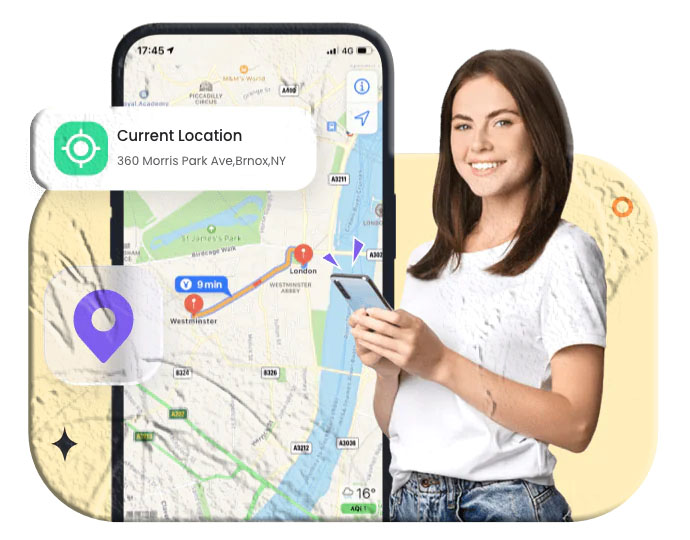

Losing your phone can be stressful, whether it slipped between couch cushions or was taken from your bag. Fortunately, modern smartphones come with powerful built‑in tracking tools that let you locate your device online at no cost. With the right setup, you can view your phone’s real‑time location, make it ring, lock it remotely, or erase your data if necessary.
This guide explains every reliable method to track your phone online for free, what you need to prepare beforehand, and what to do if your device is lost or stolen.
What to Check Before Tracking Your Phone
Tracking accuracy depends on a few essential settings. These determine whether you’ll see a precise location or only a last known point.
- Battery Level — Your phone must be powered on for live tracking. If it’s off, you’ll only see the last recorded location.
- Internet Connection — Wi‑Fi or mobile data is required for real‑time updates.
- Location Services — GPS and location permissions must be enabled.
- Account Login — Your phone must be signed in to the correct Google, Apple, or Samsung account.
- Accuracy Limitations — Sometimes the map may show a wide radius instead of a pinpoint. Refreshing the page can help.
1. Track an Android Phone Using Google Find My Device
Google’s Find My Device is one of the most reliable ways to locate any Android phone online for free. It works across all major brands including Pixel, Samsung, Xiaomi, Motorola, and more.
Enable Find My Device
Go to Settings → Security → Find My Device and turn it on.
Track your phone
- Visit google.com/android/find.
- Sign in with the Google account linked to your phone.
- Select your device to view its location on Google Maps.
Remote actions
- Make the phone ring
- Lock the device with a custom message
- Erase all data
- View battery level and network status
Google also uses a secure device network to help locate phones even when offline.
2. Track an iPhone Using iCloud Find Devices
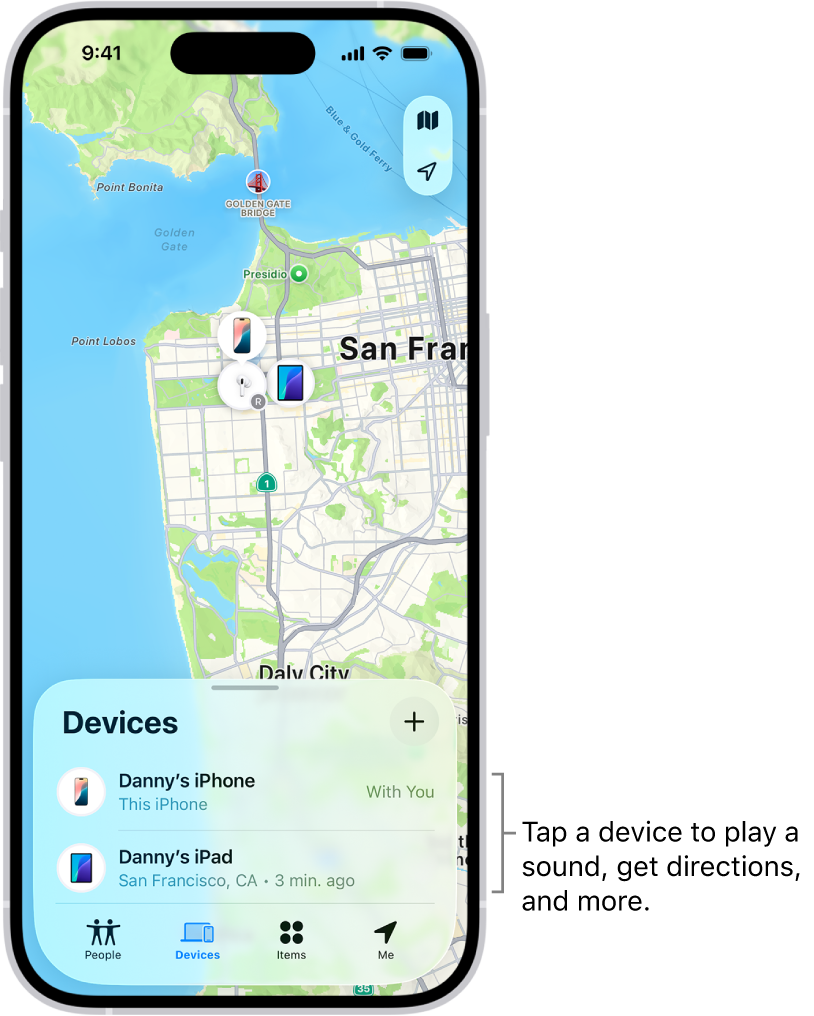
Apple’s Find My system is extremely powerful and works across all Apple devices—iPhone, iPad, Mac, Apple Watch, and AirPods.
Before tracking
Ensure Find My iPhone is enabled under Settings → Apple ID → Find My.
Track your iPhone
- Visit icloud.com/find.
- Sign in with your Apple ID.
- Select your device to view its live location.
Remote actions
- Play a sound
- Mark as lost
- Lock the screen
- Erase all data
Newer iPhones can even be located when powered off.
3. Track a Samsung Phone Using SmartThings Find
Samsung users get an additional tracking tool called SmartThings Find, integrated with Find My Mobile.
Track your Samsung device
- Visit findmymobile.samsung.com or smartthingsfind.samsung.com.
- Log in with your Samsung account.
- Select your device to view its location.
Samsung‑exclusive features
- Retrieve call logs
- Unlock or lock the phone
- Ring the device
- Wipe data remotely
- Track even when offline using Samsung’s encrypted device network
4. Track Your Phone Through Your Mobile Carrier
Some carriers offer free or paid phone‑tracking services.
T‑Mobile
- Use Lookout Mobile Security (web version available).
- Or use FamilyWhere (free 30‑day trial, then subscription).
Verizon
- Use Total Mobile Protection via myverizon.com.
- Includes remote lock and data wipe.
AT&T & Sprint
- Tracking is available through their apps, though built‑in phone tracking tools are usually more reliable.
Carrier tracking is useful when you want additional monitoring features or when built‑in tools weren’t enabled.
Optional: Third‑Party Family Locator Apps
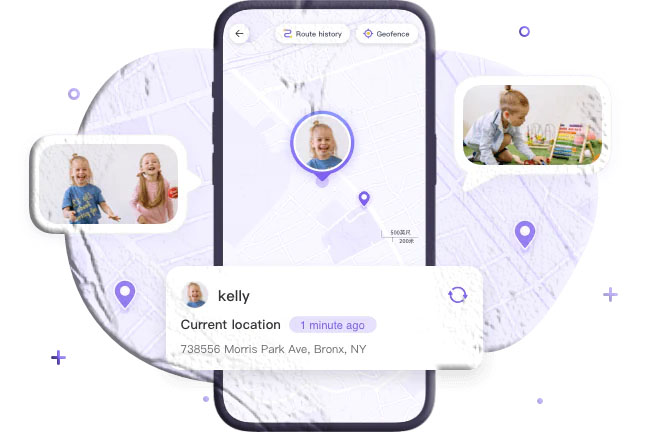
Apps like SpyZee Family Locator offer advanced monitoring features beyond simple GPS tracking.
What these apps can do
- Real‑time location tracking
- Location history
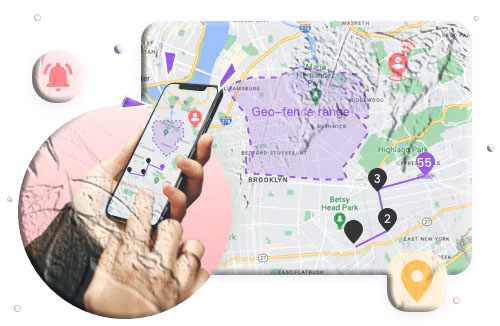
- Low‑battery and geofence alerts
- Surroundings monitoring (audio/video)
- Content blocking for parental control
These tools are helpful for family safety, but always use them legally and ethically.
What to Do If Your Phone Is Lost or Stolen
If you think your phone is misplaced:
- Call your phone immediately.
- Use Find My Device / Find My iPhone / SmartThings Find to ring it.
- Check the last known location if it’s offline.
If you believe it was stolen:
- Lock the device remotely to protect your data.
- Erase your data if recovery seems unlikely.
- Contact your carrier to suspend service and block the IMEI.
- Notify your bank to secure your accounts.
- File a police report with the IMEI number.
Acting quickly increases your chances of recovery.
Additional FAQs
Can I track my phone after a factory reset?
No. A reset removes your accounts and disables tracking. Only law enforcement can attempt IMEI‑based tracking.
Can I track my phone if the SIM card was changed?
Yes, if your Google/Apple/Samsung account is still active and location services remain enabled.
Can I locate a phone using just the phone number?
No. Number‑tracking websites only show the registered region, not the real‑time location.
Can I track my phone using the IMEI number?
Only police and carriers can do this. Public IMEI‑tracking websites cannot locate a device.
Can I track a phone that is turned off?
- Newer iPhones can show their last location even when powered off.
- Android phones show only the last known location unless offline tracking is enabled.
Can someone track my phone without my permission?
Unauthorized tracking is illegal. Secure your accounts with strong passwords and two‑factor authentication.
Can I track my phone without installing an app?
Yes. All major platforms (Android, iOS, Samsung) offer built‑in web‑based tracking tools.